Annual Report Template: A Comprehensive Evaluation for Design Professionals
Understanding the Annual Report Template
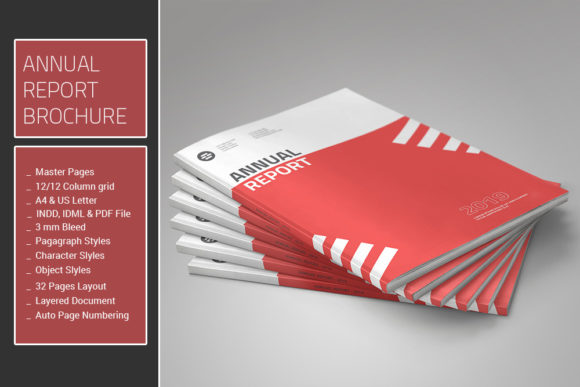
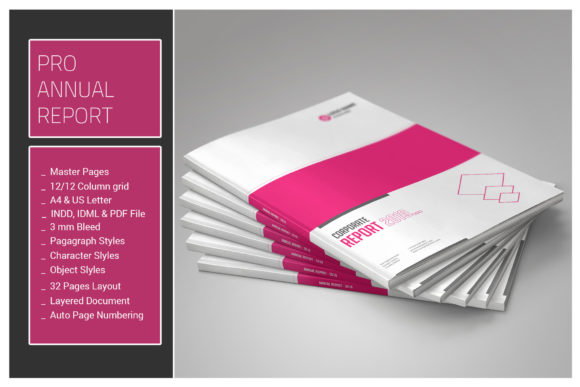
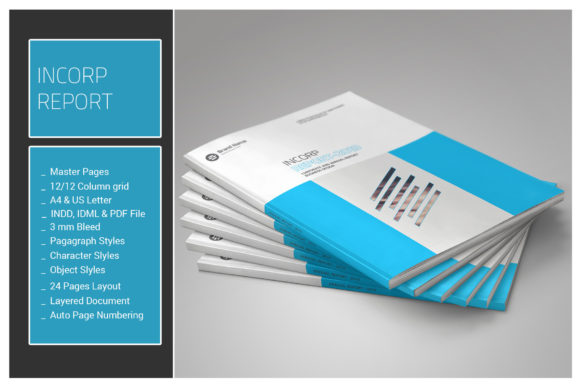
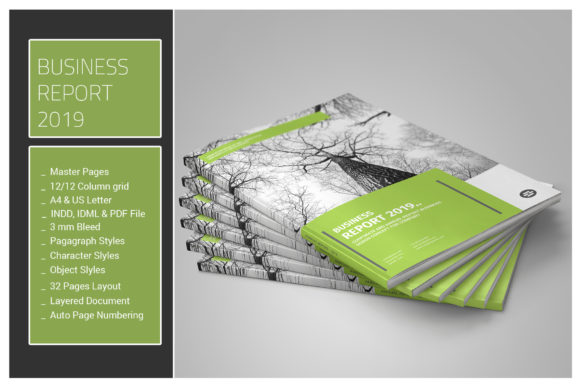
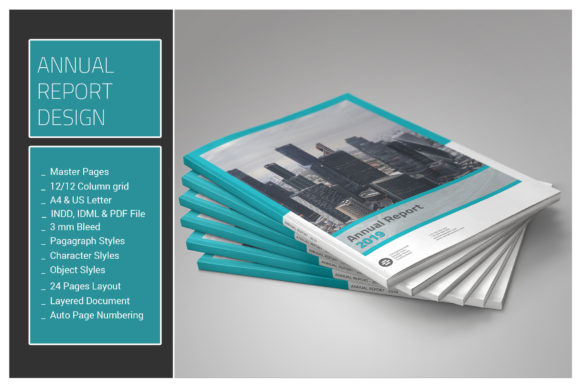
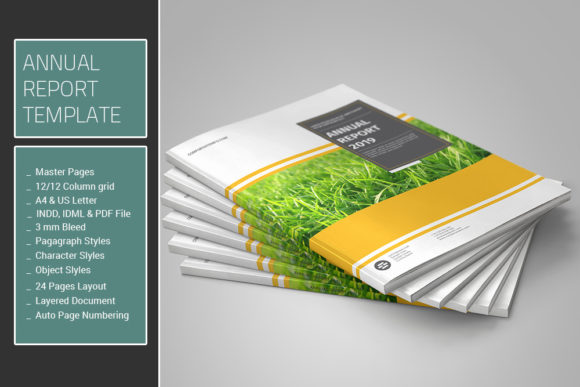
The Annual Report Template is a professionally designed, 24-page Adobe InDesign document tailored for organizations seeking to present their yearly financial and operational performance in a visually compelling format. It includes essential elements such as master pages, paragraph and character styles, object styles, and color swatches, enabling consistent and efficient document formatting. Designed for compatibility with Adobe InDesign versions CS4 through CC, this template supports both A4 and US Letter sizes and aligns with a 12-column grid system to ensure typographic harmony and visual clarity.
Why This Template Appeals to Designers and Businesses
For businesses, nonprofits, and design professionals, the Annual Report Template offers a structured yet flexible starting point for creating polished annual reports. It eliminates the need to build layouts from scratch, saving time while maintaining design integrity. The inclusion of IDML and PDF files ensures accessibility for users with different versions of Adobe InDesign, making it a practical choice for teams working across platforms.
Designers appreciate the use of vector-based infographics and icons, which allow for scalable, high-quality visuals without reliance on raster images. The absence of photographs makes this template especially useful for organizations that either lack professional imagery or prefer a minimalist, data-driven aesthetic.
Key Features and Their Practical Implications
The template’s comprehensive feature set is designed to streamline the design process and ensure consistency across pages:
- Master Pages: Provide a reusable layout framework for headers, footers, and page numbers, ensuring uniformity throughout the document.
- Paragraph, Character, and Object Styles: Allow for efficient formatting and global style changes, reducing manual adjustments and potential inconsistencies.
- Color Swatches: Enable quick color updates across the entire document, facilitating brand alignment and visual cohesion.
- Vector Infographics and Icons: Offer scalable, editable visuals that maintain quality at any size, ideal for charts and diagrams often found in annual reports.
- 12-Column Grid System: Supports responsive and balanced layouts, especially important for data-heavy documents like balance sheets and performance summaries.
Who Benefits Most from This Template?
This template is particularly well-suited for:
- Small to Mid-Sized Organizations: That need a polished annual report but lack the budget for custom design work.
- In-House Designers: Looking to streamline production while maintaining professional standards.
- Nonprofits and Government Agencies: Required to produce annual reports for stakeholders and regulatory bodies.
- Freelance Designers: Who frequently create annual reports and need a reusable, adaptable framework.
Additionally, the inclusion of tables for financial data, such as quote balance sheets, makes it especially valuable for finance departments and accounting firms needing to present complex data in a visually digestible format.
Considerations and Potential Limitations
While the Annual Report Template offers many benefits, it's important to consider its limitations before committing:
- Adobe InDesign Requirement: Users must have access to Adobe InDesign (CS4 or newer) to fully utilize the template. Those unfamiliar with InDesign may need to invest time in learning the software or hire a designer.
- No Photographs: While this keeps the template lightweight and versatile, organizations that rely heavily on imagery may find it insufficient without additional customization.
- Learning Curve for Styles: To take full advantage of the template’s features like paragraph and object styles, users should have a basic understanding of InDesign’s style management system.
- Customization Needs: While the template provides a solid foundation, it may require significant tweaking to fully align with unique brand guidelines or complex data visualization needs.
When Alternatives May Be Better
Despite its strengths, there are scenarios where alternative approaches might be more appropriate:
- Highly Branded Organizations: Companies with strict brand guidelines may find the template’s default styles too generic and may need a fully custom solution.
- Teams Without Design Expertise: If no one in the organization has experience with InDesign, a more user-friendly platform like Canva or Google Docs may be a better fit, especially for simpler reports.
- Organizations Seeking Print and Digital Integration: This template is designed primarily for print. Those needing a responsive digital version may need to invest in additional tools or templates.
- Businesses with Complex Data Visualization Needs: If the report requires advanced interactive charts or dynamic data linking, this static InDesign template may not suffice without significant add-ons or integrations.
Practical Insights for Decision-Making
Before adopting the Annual Report Template, consider the following questions:
- Do you have access to Adobe InDesign? If not, check whether the included IDML file is compatible with your current software version.
- What level of customization do you need? Evaluate whether the existing styles and layout can be adapted to your brand or if a custom design would be more efficient long-term.
- How much time can you invest in learning or adapting the template? If you're short on time, a more intuitive tool might be better, especially if your report is relatively simple.
- Will you need to reuse the template for future reports? If yes, the investment in learning and customizing this template may pay off significantly over time.
Conclusion: Is the Annual Report Template Right for You?
The Annual Report Template offers a well-structured, professionally designed starting point for creating visually appealing and consistent annual reports. Its use of master pages, pre-defined styles, and vector-based elements makes it a powerful tool for designers and organizations looking to streamline the creation of complex documents.
However, its effectiveness depends on your specific needs, technical capabilities, and branding requirements. If you have access to Adobe InDesign and are looking for a reusable, flexible framework that supports both A4 and US Letter formats, this template is a strong contender. On the other hand, if your needs are highly specialized or your team lacks design expertise, exploring alternative tools or custom solutions may be more appropriate.
In summary, the Annual Report Template is a practical, time-saving resource that can elevate the quality of your annual reporting process—provided it aligns with your technical setup and design expectations.