Info Annual Report: A Designer’s Guide to Modern Typography
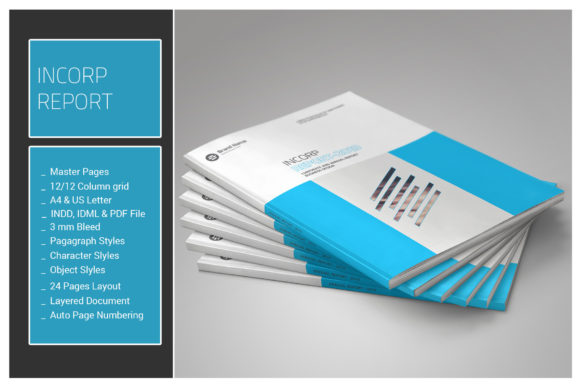
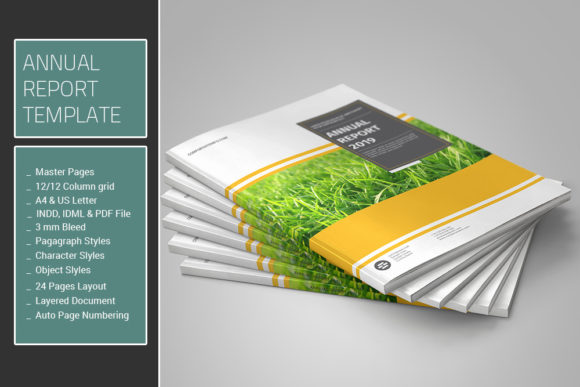
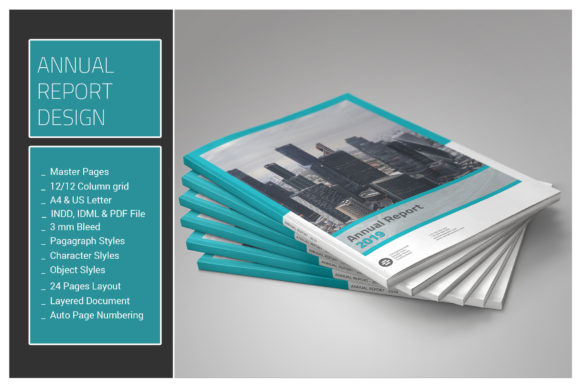
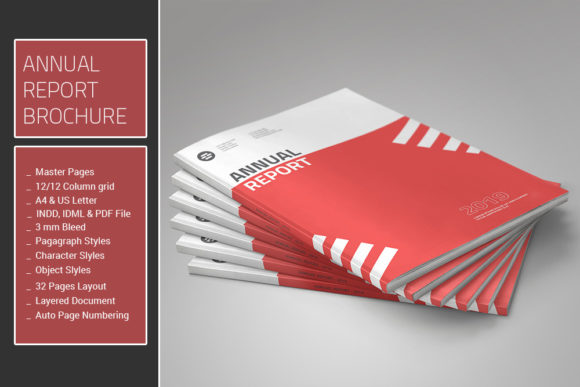
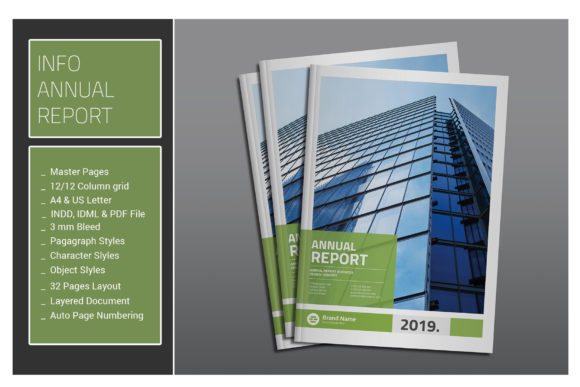
Info Annual Report isn’t just another InDesign template—it’s a fully-featured design system built for professionals who need structure without sacrificing style. Designed with a clean, grid-based layout and packed with pre-built styles, this 32-page document streamlines the creation of annual reports, financial summaries, and brand publications. Whether you're a seasoned designer or a small business owner looking to present data clearly, Info Annual Report offers a flexible foundation that adapts to your content, not the other way around.
From the moment you open the file, you'll notice thoughtful details like master pages, paragraph and character styles, object styles, and a cohesive color palette. These elements work together to ensure consistency across every page. The use of a 12-column grid keeps your layout sharp and responsive, while the inclusion of vector infographics makes it easy to visualize complex data without relying on external assets.
Designed for Real-World Use
One of the standout features of Info Annual Report is its compatibility across multiple versions of Adobe InDesign—from CS4 up through CC. This ensures that whether you're working on an older machine or the latest software, the template will open and function as intended. The package includes INDD, IDML, and PDF files, making it easy to share, edit, and print your final document without losing formatting.
Because it uses only free fonts, you won’t run into licensing issues when sharing or distributing your work. The font link included in the help file gives you direct access to download the typefaces used throughout the template, ensuring that your design remains consistent across devices and workflows.
With no photographs included, the focus stays firmly on typography, layout, and data presentation. This makes Info Annual Report especially useful for financial reports, white papers, internal communications, and other content-heavy documents where clarity and professionalism are key.
Typography That Builds Brand Trust
Typography plays a central role in how your audience perceives your brand. Info Annual Report uses a carefully selected combination of sans serif and serif fonts to create a modern, readable, and visually balanced document. These typefaces are ideal for both body text and headings, ensuring that your message remains clear and engaging throughout.
When used effectively, typography influences more than just readability—it shapes brand perception. A clean, well-structured font can communicate professionalism and trustworthiness, which is essential in annual reports, investor communications, and corporate presentations. Info Annual Report leverages this principle by offering a typographic system that supports both hierarchy and emotional tone.
For example, a sans serif font might be used for headings to create a modern, approachable feel, while a serif font is used for body copy to enhance readability in long-form content. This kind of font pairing helps guide the reader’s eye and creates a visual rhythm that makes complex information easier to digest.
Where Info Annual Report Shines
This template excels in environments where consistency and clarity matter most. Designers working on editorial layouts, packaging design, or brand identity systems will find it especially useful. It’s also a strong choice for marketers and entrepreneurs who need to produce polished reports without starting from scratch.
Because it’s built with reusable master pages and consistent paragraph styles, Info Annual Report reduces the time spent on formatting and lets you focus on content. This is particularly valuable for multi-page documents where maintaining a uniform look can be time-consuming. The pre-defined color swatches also make it easy to update your palette across the entire document in just a few clicks.
For digital creators, the template can be adapted for web design mockups or social media graphics. The clean, minimal aesthetic translates well into online formats, making it a versatile tool for both print and digital publishing.
Choosing the Right Font for Your Project
Selecting the right typeface is more than a design decision—it’s a strategic one. The fonts used in Info Annual Report were chosen for their versatility, readability, and ability to convey professionalism without feeling stiff. When evaluating fonts for your own projects, consider the following:
- Readability: Does the font work well at different sizes and in various contexts?
- Brand Alignment: Does the font reflect your brand’s tone and personality?
- Pairing Potential: How well does it work with other fonts in your design system?
- Licensing: Is the font free for commercial use, or do you need to purchase a license?
Before finalizing your font choice, always test it in context. Try setting sample text at different sizes and on different backgrounds. Pay attention to how it looks in both print and digital formats. Even the most visually appealing font can fall short if it doesn’t perform well in real-world applications.
Practical Design Tips for Using Info Annual Report
Here are a few practical recommendations to get the most out of Info Annual Report:
- Stick to the Grid: The 12-column layout is your best friend for maintaining alignment and visual harmony.
- Use Master Pages Wisely: Customize them to include headers, footers, and page numbers so they automatically update across your document.
- Customize Color Swatches: Update the primary and secondary colors to match your brand identity, and watch the entire document reflect those changes instantly.
- Review Font Pairings: If you want to use a different typeface, test how it interacts with the existing styles before making broad changes.
- Keep Text Blocks Consistent: Use the built-in paragraph styles to maintain uniform spacing, line height, and indentation throughout your document.
For those new to InDesign, take time to explore the paragraph and character styles included in the template. These are pre-configured to match the visual tone of Info Annual Report and can save you hours of formatting time.
Final Thoughts
Info Annual Report is more than a template—it’s a design toolkit that empowers creators to produce high-quality, professional documents with minimal effort. Whether you're designing a financial summary, product catalog, or brand strategy document, this InDesign file gives you the structure and flexibility you need to succeed.
By combining modern typography, clean layout principles, and smart design features, Info Annual Report helps you communicate your message with clarity and confidence. It’s a valuable asset for anyone looking to elevate their design work—without reinventing the wheel every time.